
Geofence & Advanced Location Tower Dump
Tools that help solve impossible cases, done the right way
An easy solution to a difficult problem
It's just past midnight and three drive-by shootings just occurred in your city. As luck would have it, no witnesses can be found to identify the vehicle and the victims are not talking... Lacking leads, this case could be unsolvable. An Advanced Location Tower Dump or geofence warrant may be the only solution.How does Advanced Location Tower Dumps and Geofence Warrants Work?
Warrant Builder makes Advanced Location Tower Dumps and geofence warrants simple with a point, click, warrant workflow. It brings years of warrant writing and cybercrime experience into one platform, helping officers handle complex investigations. The system supports both tower dumps and Google geofence warrants, with built-in mapping and tools to review the results.
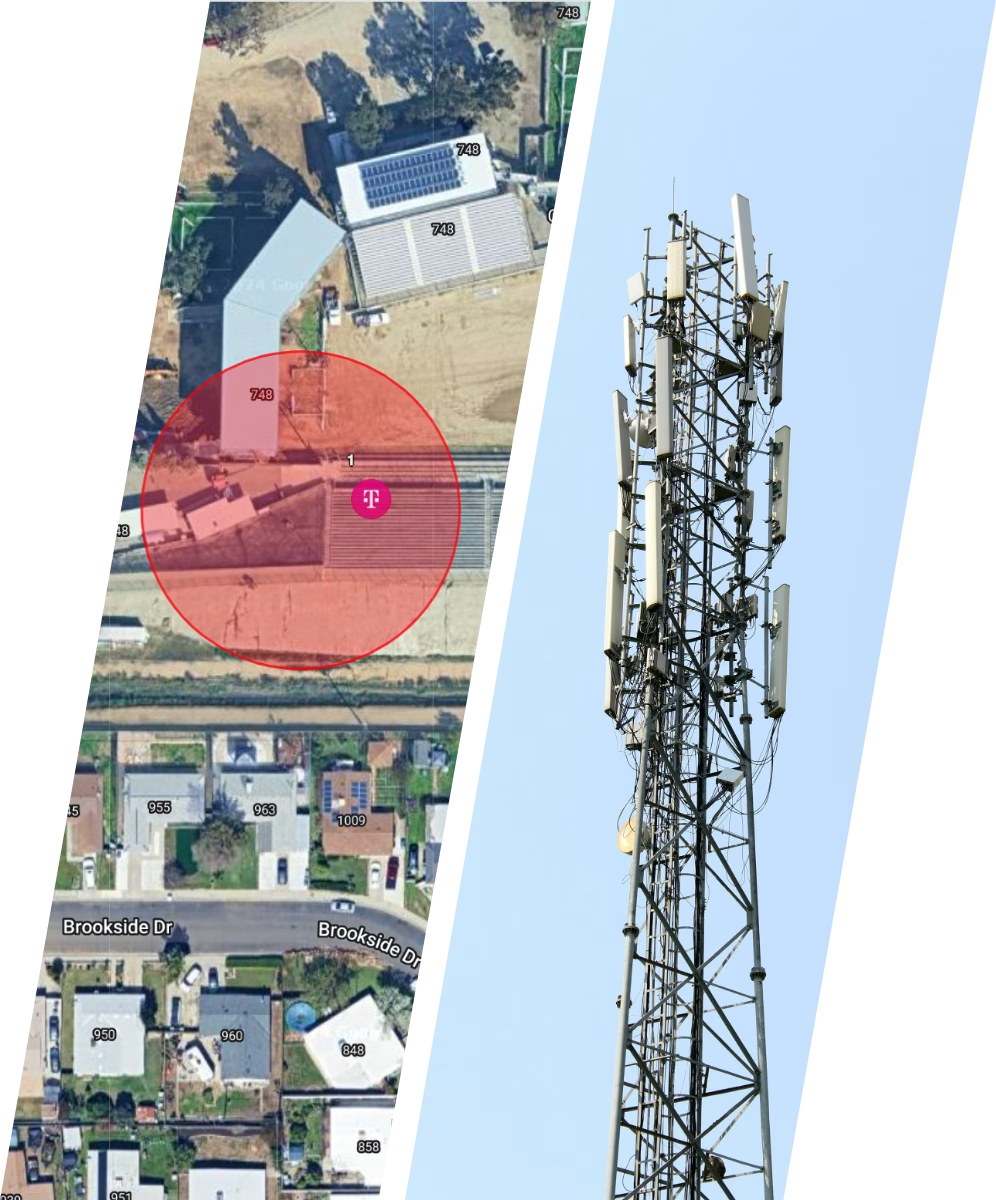
A geofence warrant is a legal order that allows law enforcement to collect data from devices within a defined area and time. This can include GPS locations, timestamps, and related data from phones, wearables, and connected vehicles. Investigators create a virtual boundary using GPS coordinates. AT&T and T-Mobile require a radius from a single point, while Google allows shapes like squares or polygons. For example, in a drive-by shooting, investigators could set boundaries around multiple related locations. If the same device appears in all of them, it may identify a suspect.
Multi-phase warrant process
To comply with the requirements of United States v. Chatrie, geofence warrants follow a phased approach. Breaking the process into separate phases helps protect the privacy of people who are not involved.
- When Google identifies devices within the geofence, it assigns each one an anonymized identifier. This identifier represents a single device only during the warrant process.
- AT&T and T-Mobile use IMSI numbers as their version of an anonymized ID. After the process is complete, Google deletes these identifiers.
Unlike other types of anonymized data online, an obfuscated ID cannot be used to identify a device or person by anyone outside of Google. In the same way, only the telecom providers can link an IMSI number to a specific customer.
Warrant Builder's approach
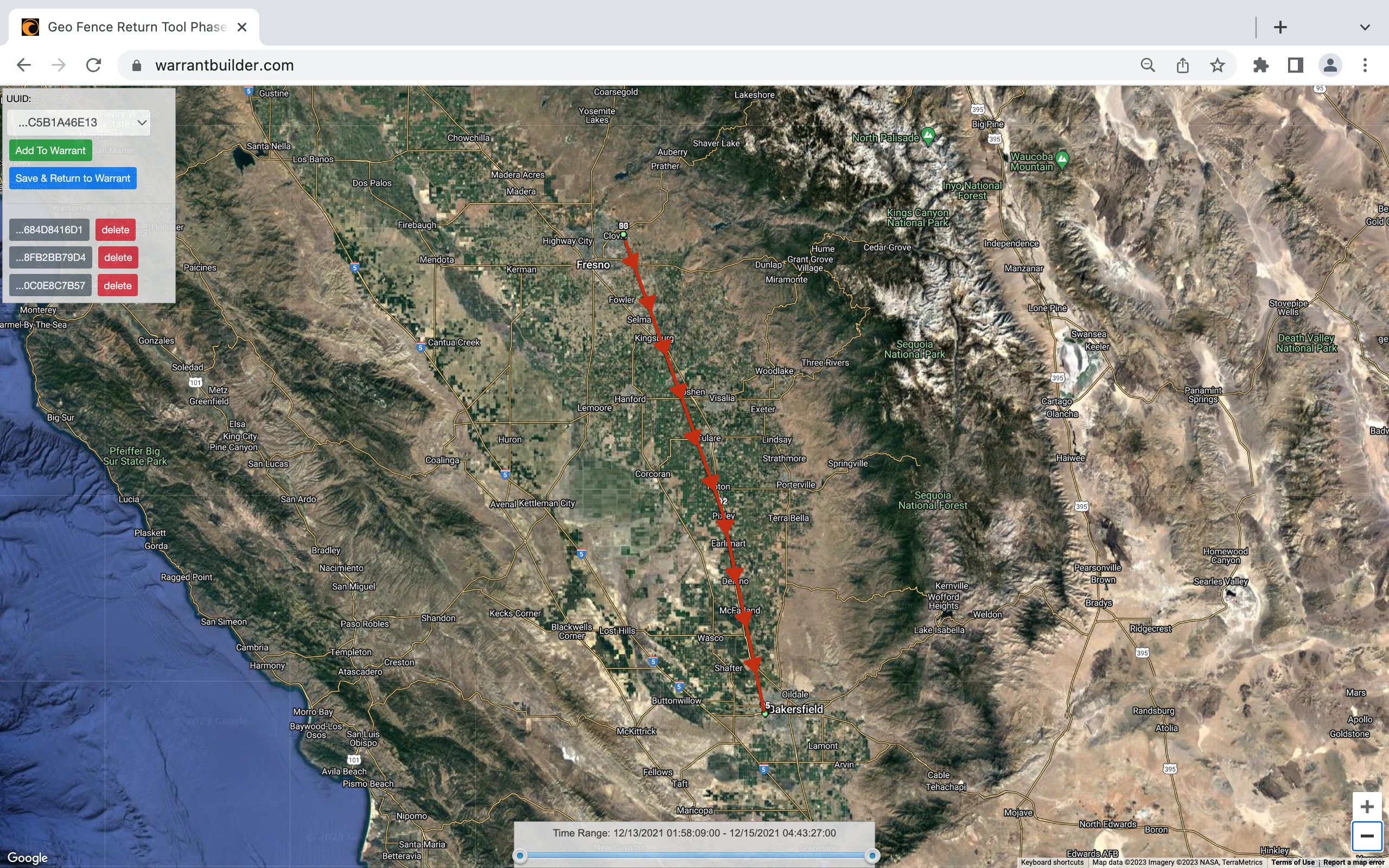
Warrant Builder walks you through each phase of the process and adds the required language based on your investigation. It does more than support geofence warrants. It maps your warrant returns directly within the platform, so there is no need for outside tools.
The process is reduced to a few key questions, allowing you to focus on probable cause while the system handles the rest.
Benefits of Geofence Warrants
- Enhancing Investigation Efficiency: Geofence warrants can significantly expedite investigations by allowing law enforcement to focus on individuals who were present within a specific area during a particular timeframe. This targeted approach helps narrow down suspects and potentially leads to faster resolution of cases.
- Gathering Evidence: Geofencing provides investigators with access to critical device location and movement patterns. This evidence can strengthen criminal cases, verify alibis, establish connections between suspects, and unravel intricate criminal networks.
- The warrant of last resort: Geofence Warrants are primarily used when all other leads are exhausted to solve the unsolvable case. They serve as a digital witness to the crime, possibly identifying involved persons. Knowing how that phone came into a crime scene and where it traveled to after may be the break in the case that law enforcement never would have had without the geofence.
Disadvantages of Geofencing
- Privacy Concerns: One of the main concerns surrounding geofencing is the potential invasion of privacy on unrelated persons. A mobile phone located within a crime scene likely belongs to one of three categories of persons: suspects, victims or witnesses.
- False Positives: Geofence warrants are not foolproof and can generate false positives, identifying innocent individuals in criminal investigations. False positives could be due to poor location accuracy reporting by a mobile phone or the devices connection to Wi-Fi instead of mobile data GPS coordinate reporting.
Quick & Accurate
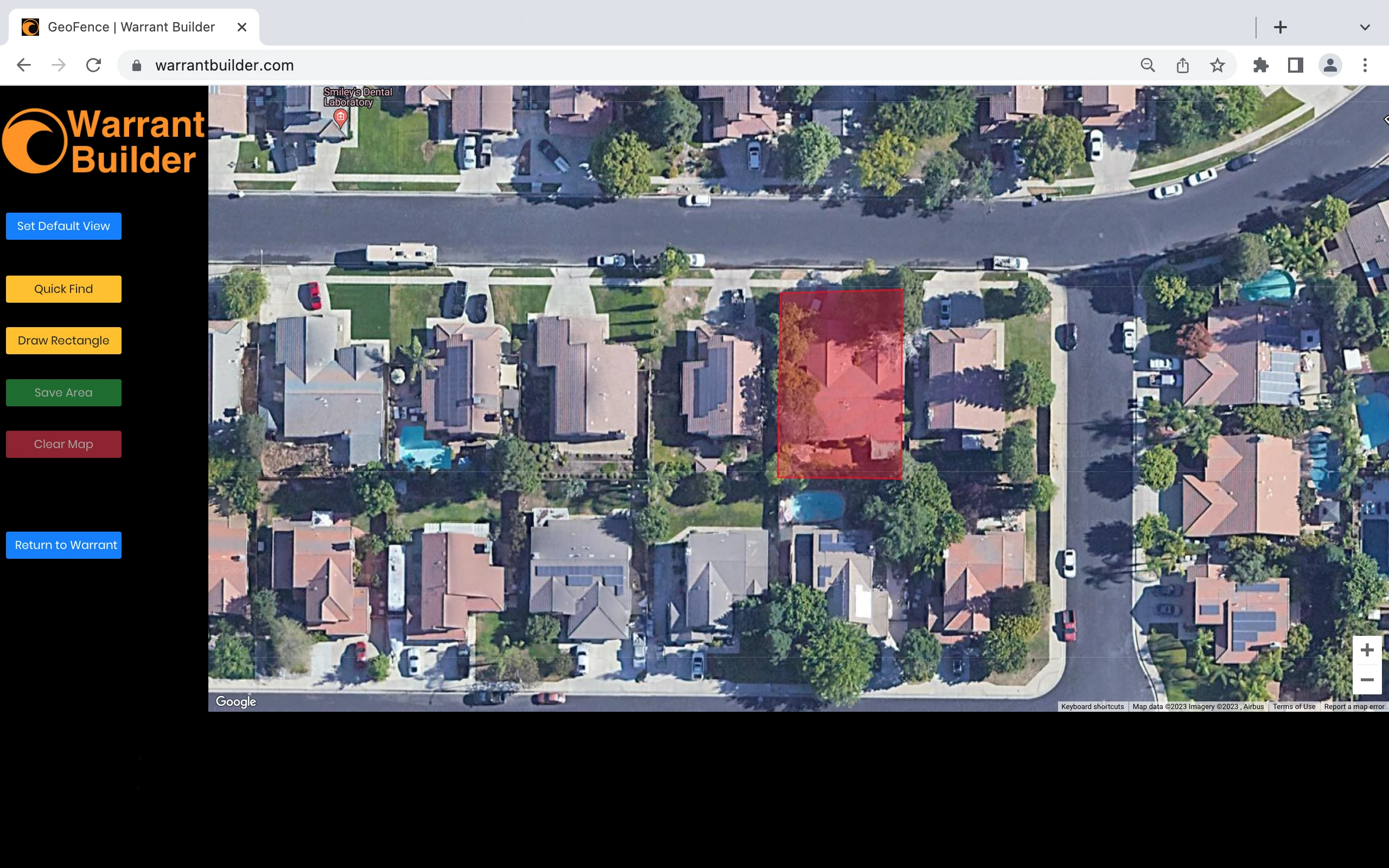
Search warrants are required to be specific, and Warrant Builder's Geofence tool maps your search area coordinates within 4" of accuracy.
Testify with confidence that you have defined the search area as accurately as possible. This level of accuracy will help with Judges that don't want infringement on neighbors.